Find Match Icons
A stripped-bare arcade reflex test that asks one question on loop: can you spot the right icon before the clock runs out? Honest about what it is, but that honesty only takes it so far.
GamerScout Verdict
Worth a single session for reflex score-chasers in a bundle, but offers no progression or depth to justify a solo purchase.
Compare Prices(3 stores)
Every store in this table quotes us in euros, so the EUR figure is the price the seller actually set, not our arithmetic — which is why EUR is also the currency we rank in. We only list an offer here when the store gives us its price in euros, so nothing in this table is a number we invented.
Pick USD, PLN, GBP, CAD or AUD in the header and we convert from EUR at the European Central Bank reference rate — converted amounts are prefixed with ~. Your bank or the store may apply a different rate at checkout. We never hide offers based on where you are: everyone sees this whole table.
We may earn a commission when you buy games through links on this page — at no extra cost to you. It never affects our rankings or verdicts.
Price History
Screenshots & Media
About Find Match Icons
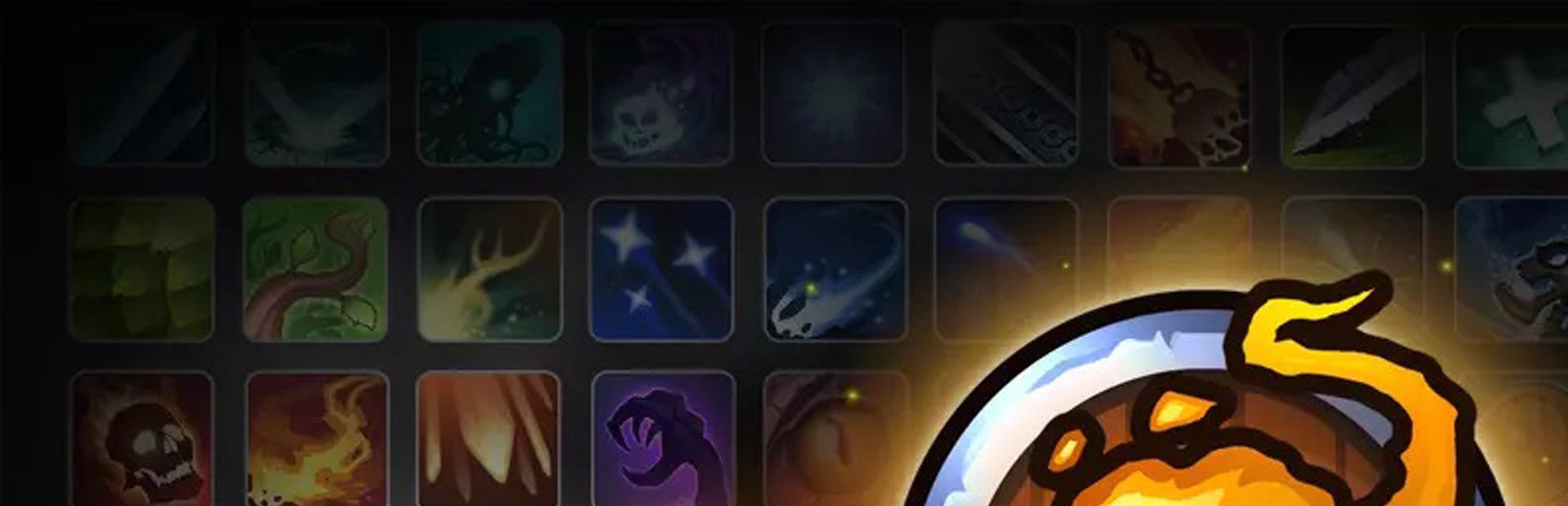
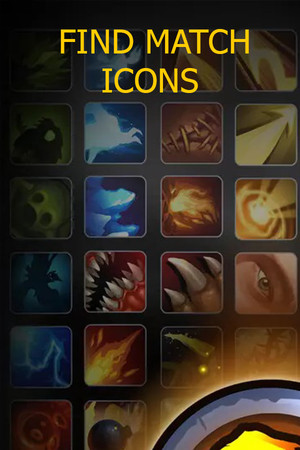
I appreciate a game that knows its lane, but Find Match Icons tests even my patience for minimalism. The entire experience boils down to a single repeated interaction: the screen fills with a dense grid of small icons, one target is highlighted for you, and you have four seconds to click the matching one in the crowd. Nail it and you bank a point plus a small time bonus. Miss or click wrong and time and score both drain. The loop then resets and asks you to do it again, immediately, indefinitely. The core mechanic is closer to a visual search exercise than a traditional puzzle game. There are no levels, no difficulty curve that I could detect, no unlockable icon sets, and no story scaffolding whatsoever. The icon art itself is small, flat, and utilitarian rather than expressive. For a game where staring at icons is literally the only activity, more visual personality would have gone a long way. The soundscape is similarly bare, which for a game this short and frenetic might actually be the right call, but it also means there is nothing atmospheric to carry you through a session. The scoring runs against a global leaderboard, which is the one hook that could theoretically give Find Match Icons replay value. If competing for the top spot on an obscure scoreboard appeals to you, the tight four-second window does create genuine pressure on repeat attempts. Twitchy players with a good visual memory and a need to chase numbers will find at least a few sessions of honest, unadorned challenge here. Six Steam achievements round out the minimal feature set, and the game runs on Windows, Mac, and Linux without fuss. Where this falls short, even by the forgiving standards of sub-five-dollar arcade releases, is depth. There is no escalation. The grid does not grow denser over time, the icons do not rotate or change color to confuse you, and there is no mode variation to keep runs feeling different. A hidden-object game gives you a scene to read and a story to follow. A match-three puzzler gives you chain logic to plan. Find Match Icons gives you the raw reflex stripped of everything else. That is a valid design choice for about fifteen minutes, and then the question of why you are here tends to surface. Hede Games has a large catalog of similarly pocket-sized releases, and this one reads like a proof-of-concept that shipped as a product. For achievement hunters working through a bundle or anyone who genuinely wants the most mechanical expression of visual search on PC, it exists and it works. For anyone hoping for craft, pacing, or a reason to return tomorrow, the answer is quietly, plainly no.

Indie & narrative
Tags
System Requirements
Minimum
- OS
- Windows 7/8/10
- Memory
- 1 GB RAM
- DirectX
- Version 9.0
- Network
- Broadband Internet connection
- Storage
- 1200 MB available space
- Graphics
- NVIDIA GeForce 450 or higher with 256MB Memory
- Processor
- 2GHz Duo Core Processor
- Sound Card
- Default
Keep exploring
Community Discussion
Be the first to comment on Find Match Icons.
Reviews & Ratings
No ratings available
Game Info
- Developer
- Hede Games
- Publisher
- Hede Games
- Release Date
- Sep 23, 2021