Disney Mickeys Typing Adventure
If your 6-to-12-year-old still hunts and pecks, this structured Disney-wrapped typing tutor covers posture, home row, WPM targets, and arcade games without feeling like homework.
Veredicto de GamerScout
Best for parents of 6-to-10-year-olds who need a structured, motivating path from zero to touch-typing without babysitting the process themselves.
Comparar precios(2 tiendas)
Todas las tiendas de esta tabla nos dan el precio en euros, así que la cifra en EUR es el precio que fijó el vendedor, no un cálculo nuestro, y por eso EUR es también la moneda en la que calculamos el ranking. Solo incluimos aquí una oferta cuando la tienda nos da su precio en euros, de modo que ninguna cifra de esta tabla es inventada por nosotros.
Elige USD, PLN, GBP, CAD o AUD en la cabecera y convertimos desde EUR con el tipo de cambio de referencia del Banco Central Europeo — los importes convertidos llevan el prefijo ~. Tu banco o la tienda pueden aplicar un tipo distinto al pagar. Nunca ocultamos ofertas según dónde estés: todo el mundo ve esta tabla completa.
We may earn a commission when you buy games through links on this page — at no extra cost to you. It never affects our rankings or verdicts.
Historial de precios
Capturas y multimedia
Acerca de Disney Mickeys Typing Adventure
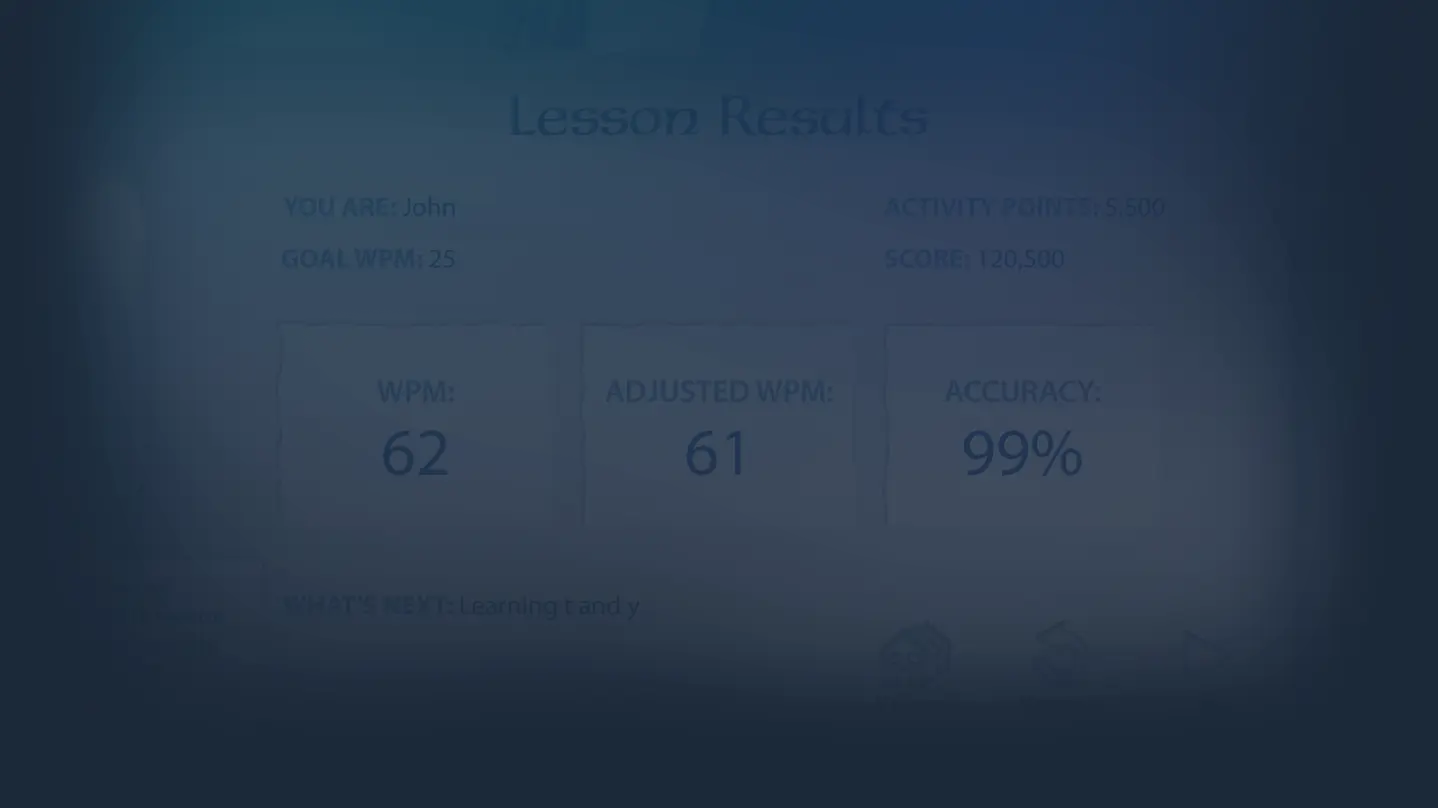
I'll be upfront about what this is: a kids' educational typing program dressed in a Disney adventure skin, not a game in any traditional sense. If you're a parent shopping for a child aged roughly 6 to 12 who needs to build real keyboarding habits, that framing matters before you click anything. The structure underneath the Mickey Mouse animations is serious and deliberate, built on Individual Software's long-running Typing Instructor engine, which means it follows a proven learn-by-doing loop rather than the chaotic free-play approach that cheaper edutainment software leans on. The setup works like this: kids land in Typelandia, a fantasy world where a mysterious enchantment has frozen Mickey's friends in place. Each location on the map corresponds to a cluster of keys. The first stop locks you onto a, s, l, and semicolon until those fingers know where to go without looking. Pass the lesson, complete a timed challenge, clear a typing game, and the character at that location is freed. Rinse and repeat through the Cottage, the Wishing Well, the Mine, and eventually the Palace. The loop is tight and age-appropriate, and crucially, the games in the Arcade only let kids use the keys they've already learned, which prevents the sloppy key-mashing that undercuts most casual typing programs. There are 11 selectable Typing Plans covering a range of skill levels and ages, and kids can set their own WPM goal and adjust it as they improve. Where it genuinely succeeds is in keeping a young learner's attention long enough for muscle memory to form. The step-by-step crystal ball guide, the animated Disney character unlocks, the seven Arcade games, and the Library section where kids type passages from Tangled, Cinderella, and Rapunzel all serve a consistent purpose: repetition that doesn't feel like repetition. Performance feedback is granular too, broken down by key, finger, hand, and row, so a parent checking progress can see exactly where the weak spots are. There's even a printable certificate of achievement when the Palace is reached, which sounds small but lands surprisingly well for a younger kid. The honest caveats: older kids, say 10 and up, may find the aesthetic too juvenile to sit with long-term, and the program offers virtually nothing for a child who already types competently. It is also a single-player, single-skill piece of software with no multiplayer, no ongoing content updates, and no competitive hooks that would keep a kid returning after the main path is cleared. Free browser-based alternatives exist, and they're worth comparing if budget is tight. But few of them match this program's structural rigor or the motivational pull of licensed Disney characters for the youngest end of the target range. For the specific job of taking a complete beginner from hunt-and-peck to confident touch-typing with proper posture and consistent WPM improvement, this does that job with more patience and better pacing than most of what's on the market in this category.

Catch-all
Etiquetas
Requisitos del sistema
Mínimos
- Processor
- Intel
- Memory
- 700 MB RAM
- Storage
- 700 MB available space
- Sound Card
- Recommended
Sigue explorando
Community Discussion
Be the first to comment on Disney Mickeys Typing Adventure.
Reseñas y valoraciones
No hay valoraciones disponibles
Información del juego
- Desarrolladora
- Individual Software
- Distribuidora
- Disney Interactive Studios
- Fecha de lanzamiento
- Por anunciar